Paulsen Printing
 Home  |  Contact us  |  Send Digital Files to Print  |  Estimate 
    ·
Adobe Pagemaker
    ·
Quark
    ·
InDesign
    ·
Freehand
 · Estimate

Quark


Preparing files for output via Quark

Under the FILE menu, select Collect For Output. Make a New
Folder, Select it, and click on collect.

You will see the status window showing the progress if all files are found.
If not, you will receive the following dialog:

If this happens, you will be presented with the links dialog to find the missing elements.
When the are all relinked, you can then save the document.

This is the only approved way to submit files..


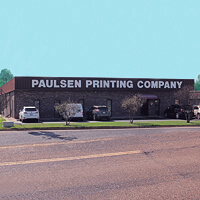
Paulsen Printing Company
4753 S. Mendenhall Road Memphis, TN 38141-8202
Phone: (901)363-5988 Fax: (901)363-2005
Copyright © 2004 -2006 Paulsen Printing Co.  All Rights Reserved.


  Home | Printer-friendly format | Top of Page  
 
Powered by WebPress